
Tap.Review.Done.
Give your customers a faster, easier way to leave a Google review. Every Revora card is uniquely configured for your business before it ships.
Configured for your business. Before it ships.
Tell Us Where Reviews Should Go
During checkout, provide your business's Google review URL.
We Configure Your Cards
Each physical card receives its own unique Revora identity and is configured to route customers to your review page.
Customers Tap & Review
Place the stand where customers interact with your business. One tap of the phone takes them straight to your review page.
Try the tap.
Right here.
This is the exact experience your customer has. No app, no typing, no searching — a single tap opens your Google review page.
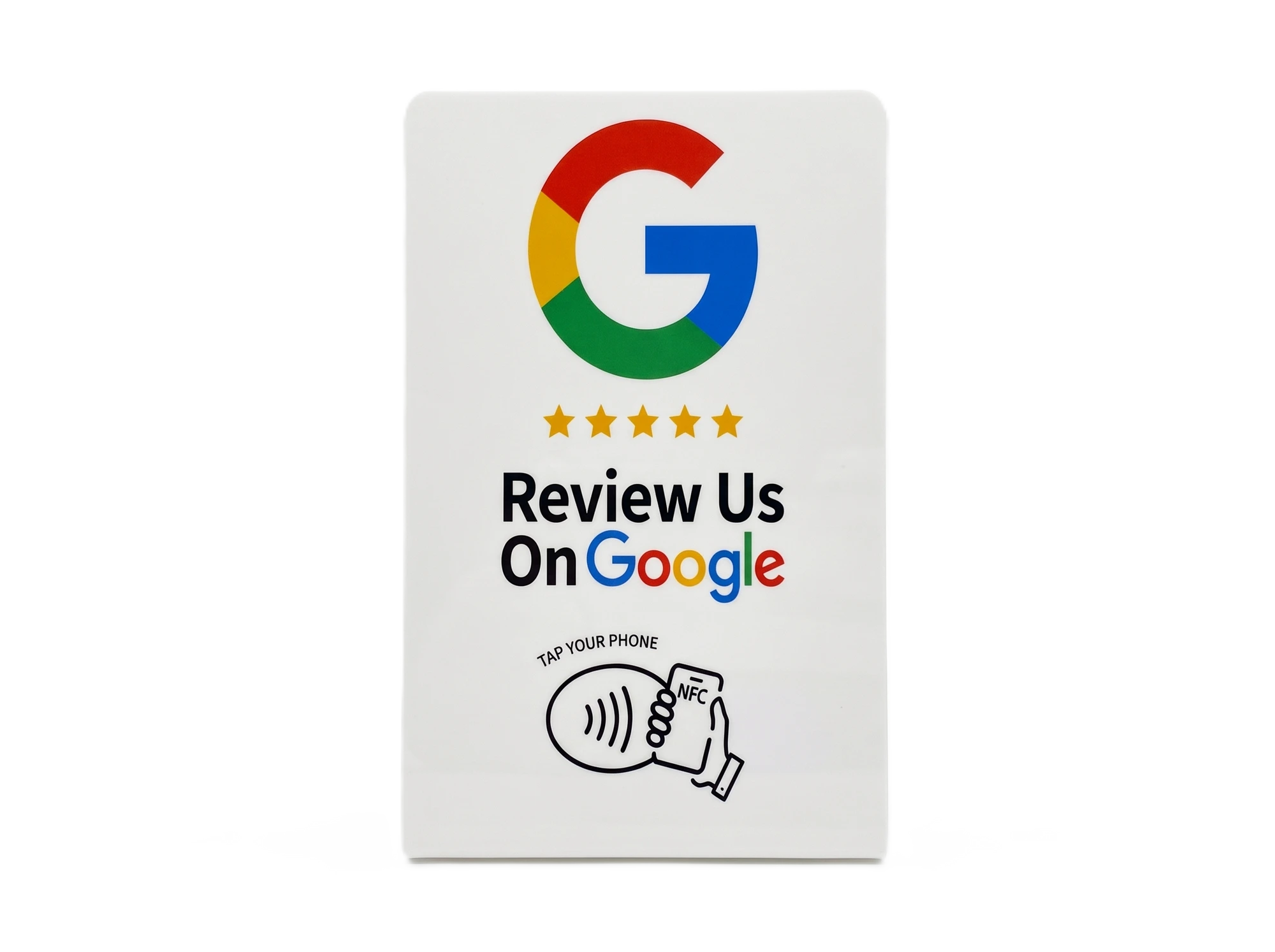
Ready to tap
One stand, one permanent link
One tap.
Straight to your review page.
Every Revora stand carries its own unique Revora link. A customer taps their phone, and the stand's link routes them to your current review destination — instantly, with nothing to type and nothing to search for.
TAP
The chip holds the stand's permanent Revora identity — never a hardcoded URL. Routing to your current destination happens instantly, behind the scenes.
CHANGE ANYTIME
Your review link can change without replacing the stand. We update the routing on our side and the very next tap goes to the new page.
Revora Tap-to-Review Cards
Professional NFC cards configured to route your customers directly to your Google review page — set up from the information you provide when ordering.
Every package includes custom artwork, NFC chip, configuration and shipping. Stands are configured to route customers to the Google review URL you provide during checkout — and the destination can be updated later without replacing the stand.
Built for businesses that value customer feedback
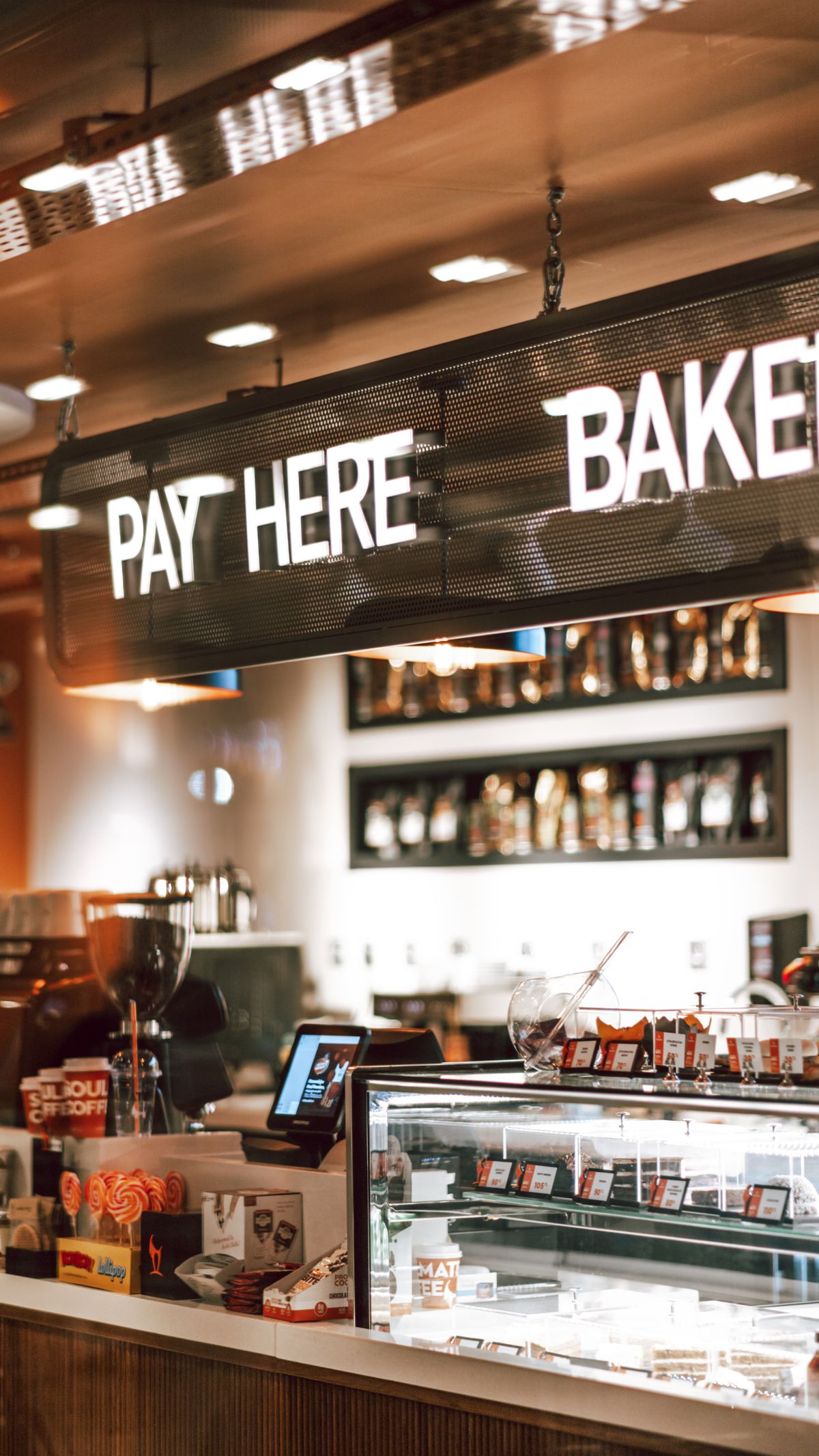
Restaurants
Place a card near the checkout or on tables.
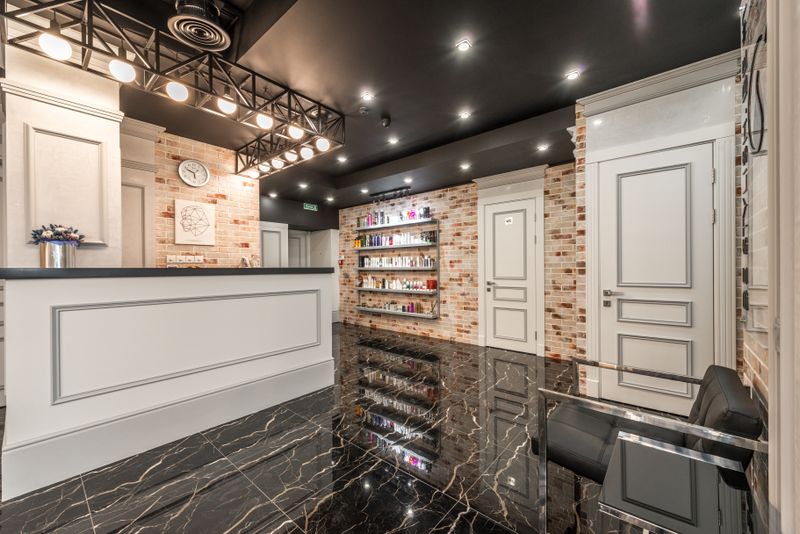
Salons & Barbers
Place a card at reception.

Retail Stores
Place a card near checkout.
Auto Services
Place a card at the service counter.
Hotels & Hospitality
Place a card where guests check out.
…and every other local business
Use the card after completing a service — anywhere customers interact with you.
Effortless by design
Instant Access
Customers reach your review page with a simple tap — no searching, no typing.
No App Required
Works through standard NFC functionality on supported smartphones.
Professionally Made
A durable business tool — not a cheap promotional freebie.
Customized for Your Business
Each order is programmed according to the information you provide.
Simple for Customers
No complicated instructions. Tap, and the page opens.
A physical product, made to be seen
The same Revora card — consistent shape, finish and print — wherever your business needs it.
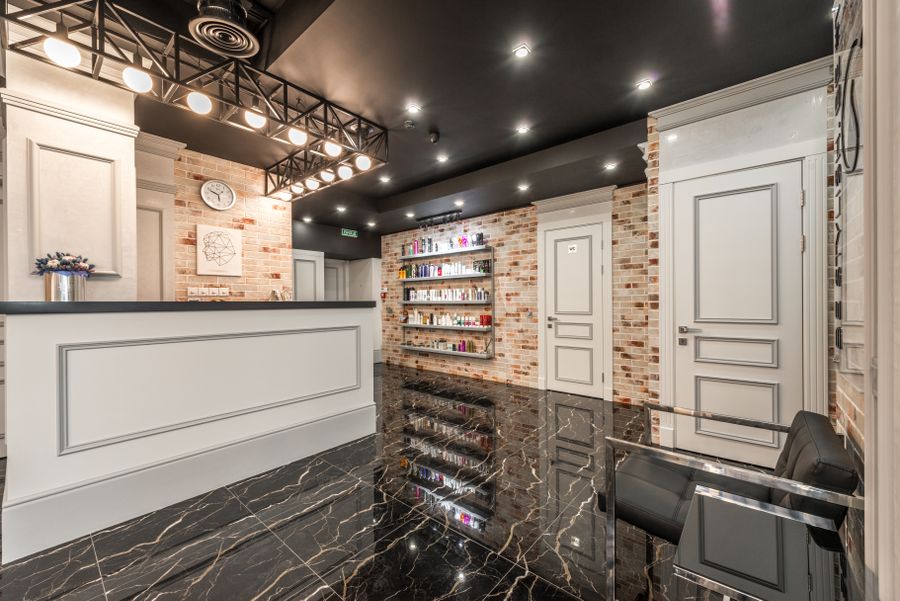
At the reception desk
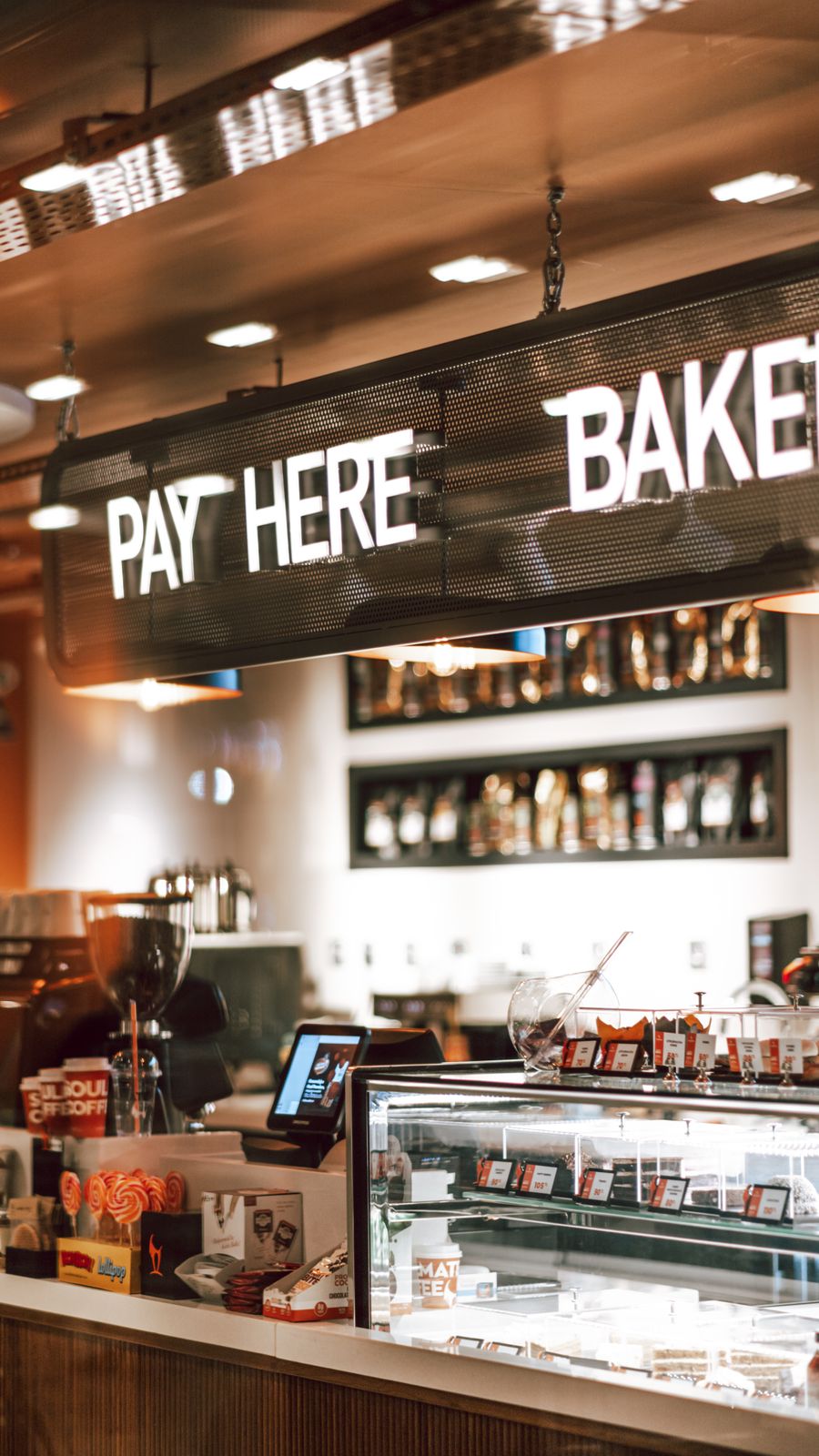
On the restaurant counter

Beside the payment terminal
In the studio spotlight
Built like a business tool, not a gimmick.
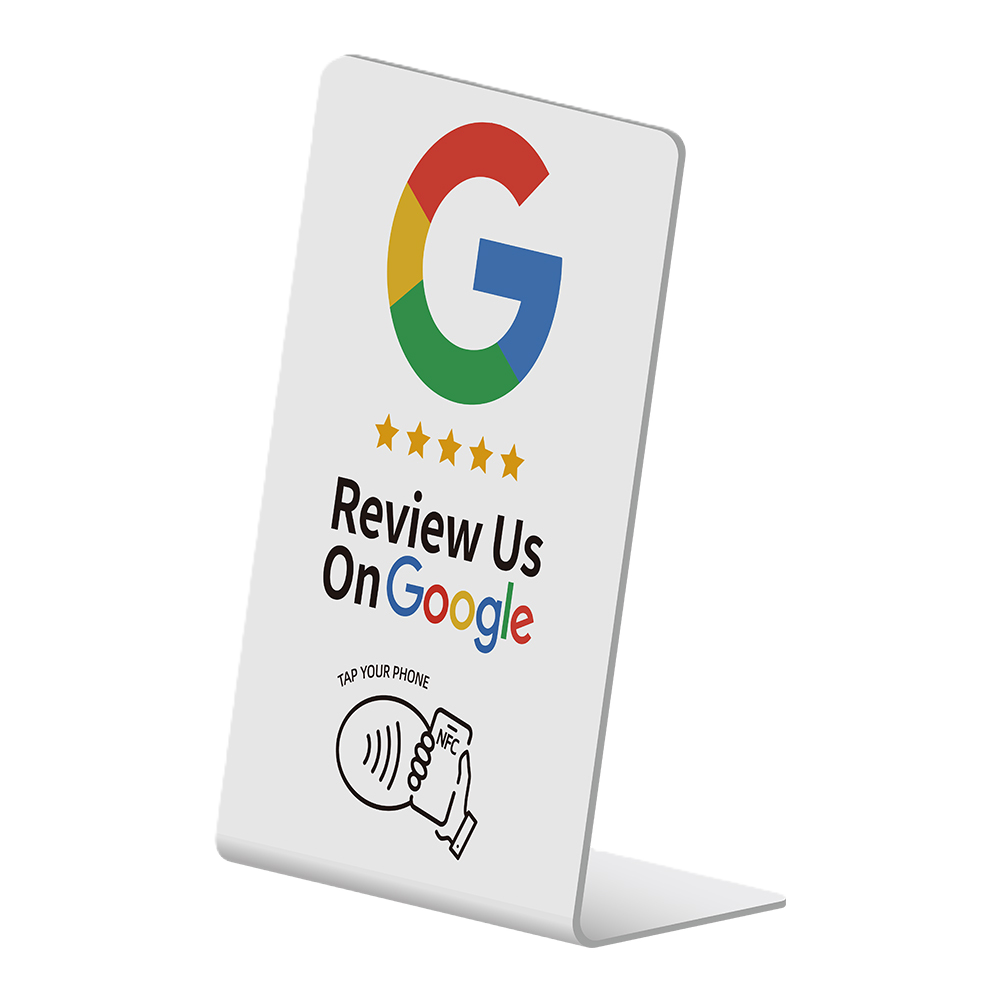
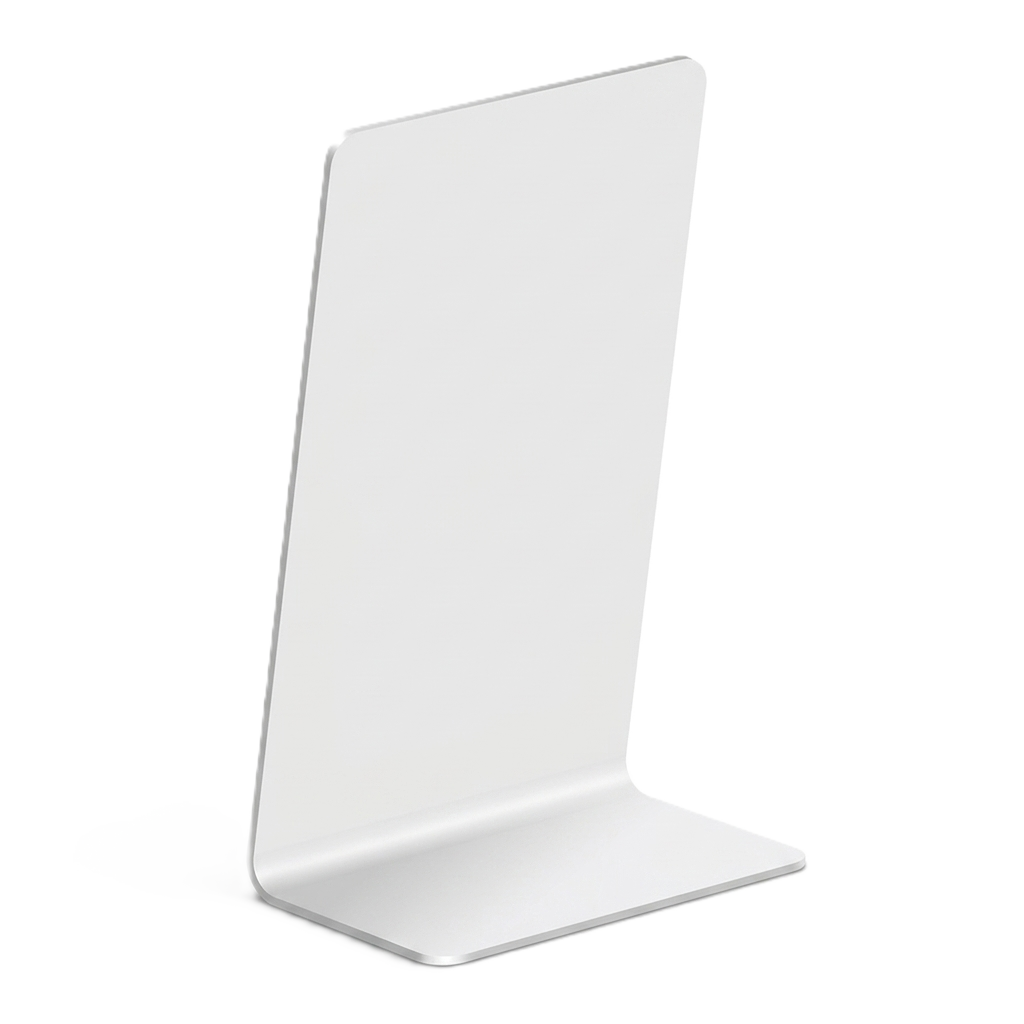
Order → Customize → Program → Receive
1
Choose Your Quantity
Select how many Revora cards your business needs.
2
Provide Your Review Link
Enter the Google review URL where customers should be directed.
3
We Configure Your Cards
Each card receives its unique Revora identity, routed to your review page.
4
Quality Check
The order is checked before shipment.
5
Ships to Your Business
Your Revora cards arrive ready to use.
6
Place & Tap
Put the stand where customers interact with your business. One tap reaches your review page.
Where should I put it?
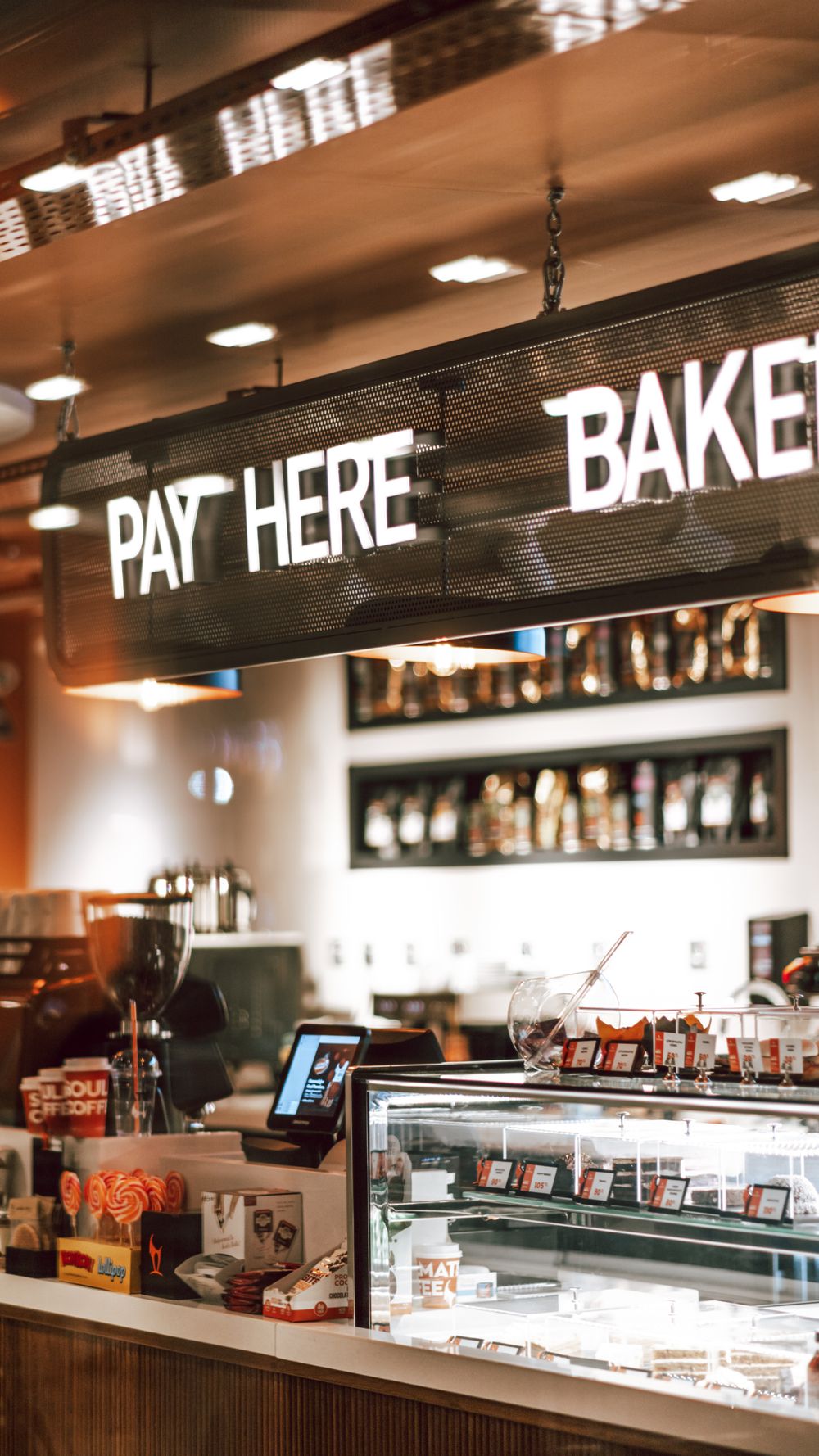
Checkout
Questions, answered
Make the next review one tap away.
Give your customers a simple way to reach your Google review page.